
Hosting
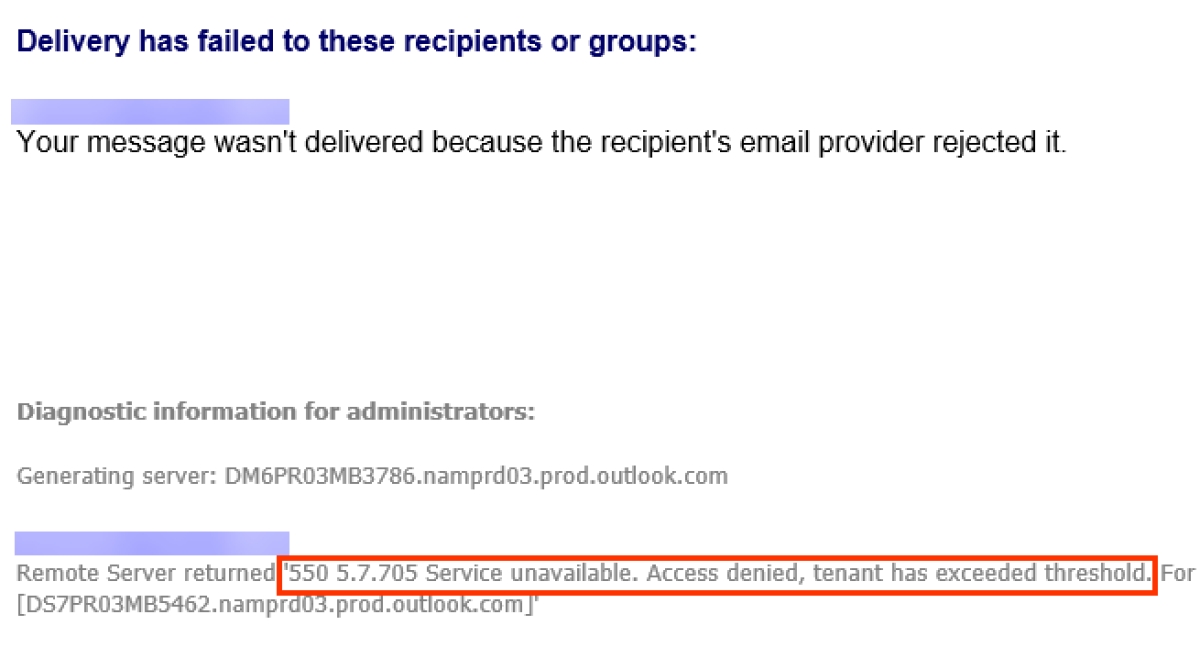
Solving Mail Bounce Back Issues & General E-mail Deliverability
Frequently Asked:
I often send out email that bounces back to me and sometimes it is critical that I get messages delivered as soon as I send it. Can you help with this?
Answer:
For many of my clients, you're seeing delays and issues with sending email because your website is on a "shared" hosting plan, which means that it's cheap, but compare it with renting a single apartment in a giant complex - your neighbors are affecting your email performance.
Decentralized Web & App Self-Hosting
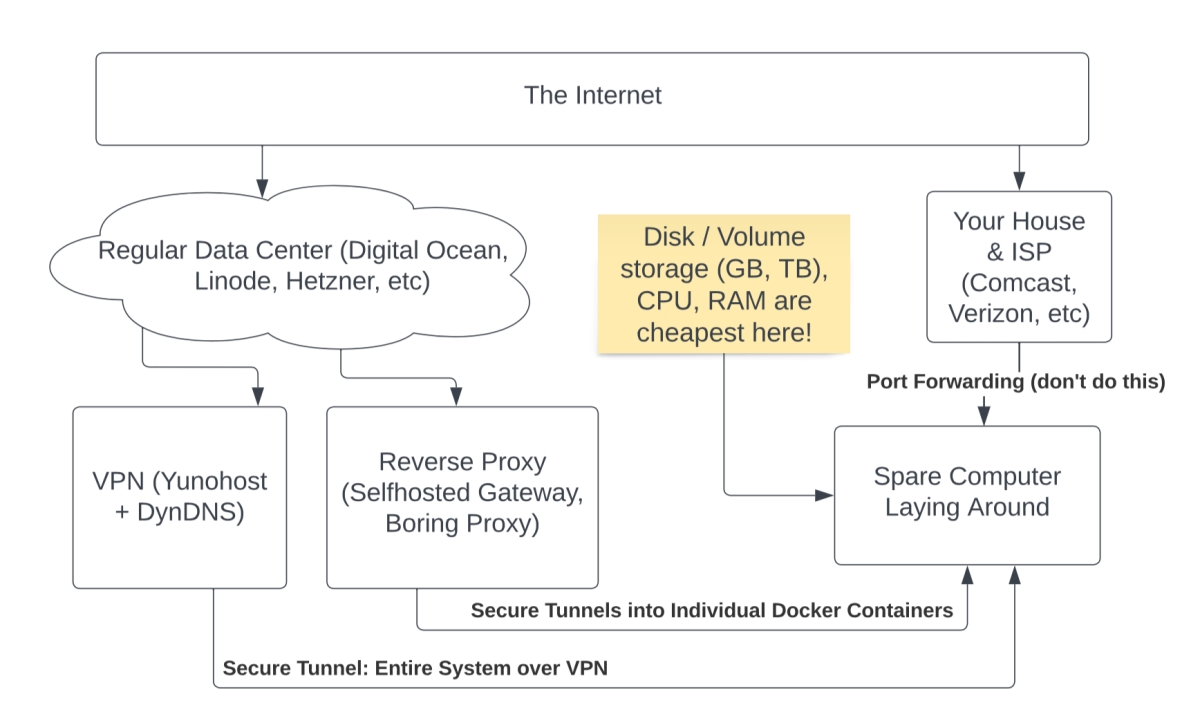
The following video discusses several common ways of self hosting apps and websites on your own hardware. This provides helpful cost saving information for business owners and non profits, which varies based on how much CPU and RAM are required vs. storage space (GB/TB). For users that require more than roughly 10gb of storage space, moving your VPS out of the cloud and using a reverse proxy to self-host your apps (on premises) is an easy way to save money, while keeping 100% control of your apps and data.
Frequently Asked: Should I use my hosting company's backup system?
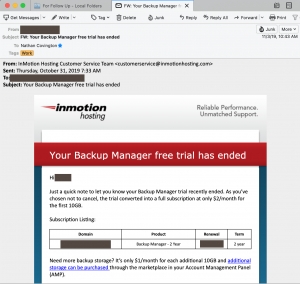
A few clients have asked about whether they should use the backup system provided by their hosting company to backup their websites.
Specifically they were asking about InMotion Hosting’s new Backup Manager that is rolling out across their servers.
I'm torn on this. Part of me is saying that you can't have too many backups.
ALMOST Switched to GoDaddy Hosting
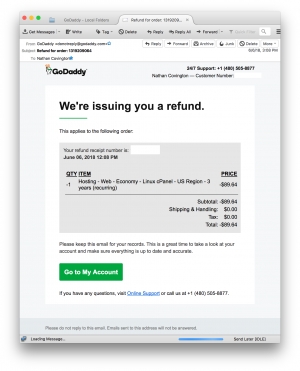
Historically, I've recommended GoDaddy for domain registration services to my clients because they were the cheapest. However, GoDaddy's hosting plans were a general pain to work with: they provided limited resources like CPU and memory, the database servers were isolated and slow, and they didn't include my preferred hosting account control panel software, cPanel. This is now included with GoDaddy's economy hosting plans, which is the main reason that I decided to give them another look. I actually intended on making this switch - I had GoDaddy provision 3 separate hosting plans at a rate of 3 years for $89.64...
Tightening the screws: is your site fast enough?

Building optimized sites has always been a major part of our strategy: they are easier to maintain, easier to upgrade, and they load more quickly. I have never built a site using only Flash, and have always built sites using HTML-and-CSS based navigation menus. They are search engine friendly and easy to expand or rearrange.
With that in mind, I have recently come up with a few other ways to speed things up. A faster site will generally rank better in the search engines, plus it will have less people abandoning the site while waiting for it to load.
How to maintain control of your web site
Domain Registration -> Hosting & Email -> Framework, Content, Updates
As a business owner, the thought of not having control of your website is is most likely frightful. I've experienced a handful of situations where a client hired a different web developer previously, hire me to re-engineer the site, then come to find out that their prior developer has more control of the site than they do...
Upgraded Hosting Server
Free consultation?
Book now. No commitment.
hello@covingtoncreations.com
will reply in 24 hrs
570.508.6881 (or SMS)
9-5 mon-fri
Design & Development
Wordpress, Drupal, Joomla
New custom websites, bespoke themes and extensions, redesigns, upgrades, migrations
Optimization & SEO
Let us optimize and manage your overall online presence. We offer full service monthly SEO as well as one-time projects.
Maintenance, Patching
White glove monthly backups, security updates, maintenance and testing for your Wordpress, Drupal, or Joomla site.